Steps to editing a pattern
Step 1
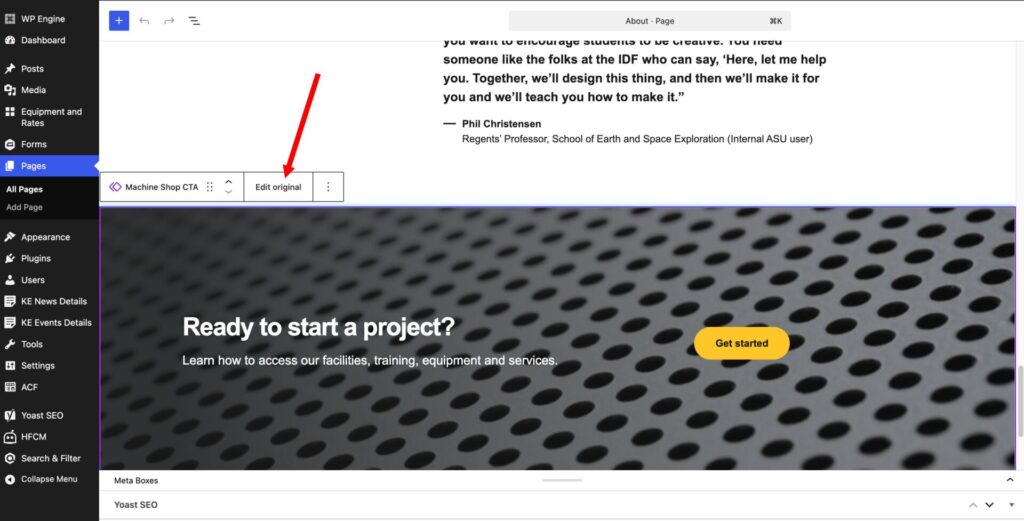
Select the block you want to edit, you will know it is a page pattern by the double diamonds to the left of the block title. Then select “Edit original”.
Step 2
Once you click on edit from step 1, you will then be taken to the pattern. At this point you can edit the block as normal. Once you have completed the changes make sure to save the pattern. You can then click on the back link in the center top of the page.

Step 3
If you have made any other changes on the page make sure to save the original page that you started on. If for some reason you do not have access to update a pattern please let us know by submitting a ticket in SNOW and we can adjust your permissions or depending on the situation can update the pattern of you.